



Slotuna App
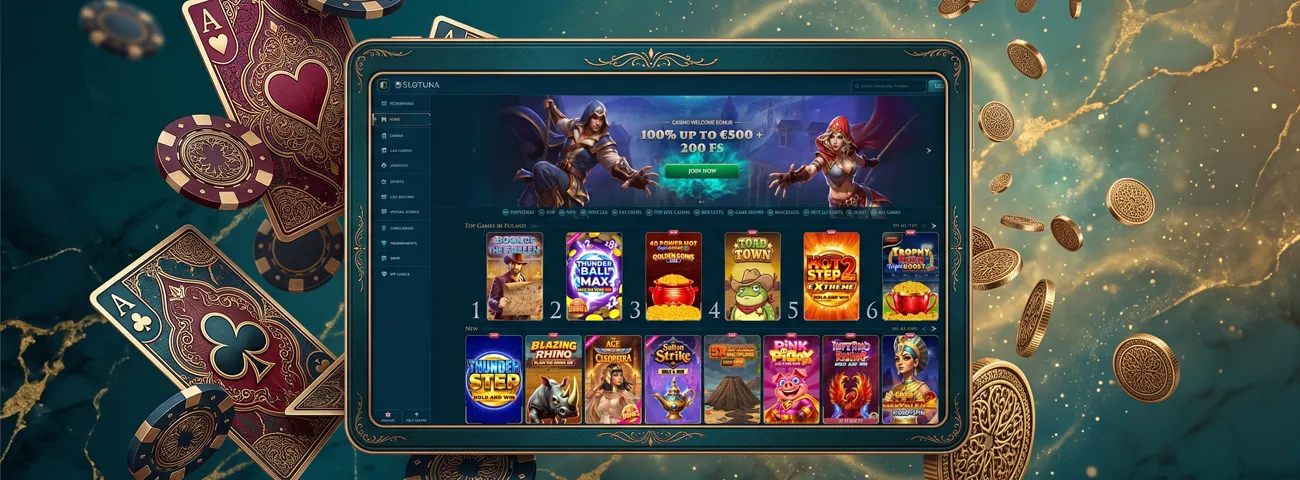
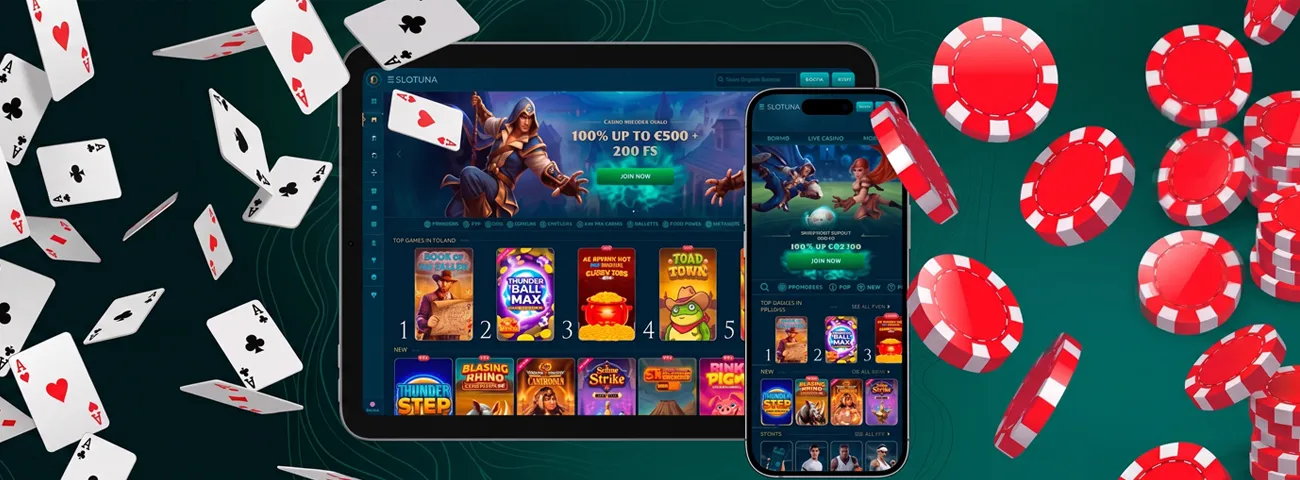
Our Slotuna app works through a mobile browser and can be saved as a home-screen shortcut. It is not a separate Android or iOS download. Open our website directly or use the shortcut to reach Slotuna Casino without installing software from an app store.



Main Features
The mobile site offers access to games, promotions and account tools. A shortcut on your home screen is a quicker way to open the same website.
Large Game Library
The slots category is the largest category in our catalog with more than 13,000 games. Hacksaw Gaming and Playtech are among the confirmed providers. Penguin King is also represented.
The mobile lobby also includes blackjack and roulette. Poker and baccarat are available too, while the live area includes game shows. All of these categories open in a mobile browser.
User-Friendly Interface
Games, promotions, and account tools use the same clear mobile layout. Open Slotuna in your browser or tap the icon saved on your home screen. The shortcut only opens our website; it does not install an application.
Generous Rewards
New customers can claim the current welcome package after a qualifying first deposit. The table below lists its main terms.
| Part | Current terms |
| Deposit bonus | 100% up to €500 |
| Free spins | 200 |
Read the full promotion terms before activation, as eligibility and offer rules can change.
Customer Support
Support is available 24/7 by live chat and email. For quick help while using the Slotuna app, open chat from the website. You can also write to [email protected] and describe the account or access issue.
Advanced Protection
We protect data sent through the website with HTTPS over TLS 1.3. We may ask you to complete a verification check before a withdrawal. Follow the instructions in your account and upload only the requested information.
The same security controls apply on mobile and desktop. Before entering your login details or personal information, check the website address in the browser.
Slotuna Casino for Android
On Android, the Slotuna app opens in a browser. You can also add a home-screen shortcut:
- Open our website in your mobile browser.
- Tap the browser menu marked by three dots.
- Select Add to Home screen.
- Enter a name for the shortcut.
- Tap Add to place the icon on your screen.
No APK or Google Play download is required.
Slotuna Casino App for Your iOS Device
Slotuna Casino opens on iOS in a browser. You can add a home-screen shortcut instead of installing a native app:
- Open our website in your browser.
- Tap the Share icon.
- Select Add to Home Screen.
- Enter a name for the shortcut.
- Tap Add.
The new Slotuna icon opens our website in your browser. It does not install a separate iOS application.
Slotuna Casino Application for Windows and macOS
Windows and macOS users can access the casino through a browser. There is no separate Slotuna app for either system.
Open our website on either system and complete the sign-in fields shown on screen. Games, promotions, and account tools are available without an .exe or .dmg installer.
FAQ
What should I do if a game does not load on mobile?
Reload the page and check your internet connection. If the game still does not open, restart or upgrade your browser. If you still have issues, contact our 24/7 support team via live chat or email.
How much mobile data does the app use?
Depending on the game, and how long the session is, data use varies, so there’s no one size fits all for every visit. If you have limited mobile data allowance, use Wi-Fi.
Can I use Face ID or fingerprint login?
Use the regular sign-in fields shown in your browser. Any Face ID or fingerprint autofill comes from your device or password manager, not from a separate Slotuna feature.
How is a PWA different from a traditional casino app?
A regular app installs software onto the device. A PWA runs in the browser and can be installed to the home screen. Slotuna uses this shortcut format, it’s not a separate native app.


